STEAM
HarmonyForge
A music creation app that leverages neurodivergent (especially autistic) pattern-thinking strengths by translating visual patterns into music. Players arrange colors, shapes, and positions on a grid -- the pattern IS the music. Includes sensory-safe environments, emotion vocabulary tools, and therapist observer mode.
Meet your mentor
Every Spark & Anvil app has a friendly mentor character that demonstrates, praises, and patiently scaffolds learning. On-device AI personalizes the mentor's responses to your kid's progress — never connecting to a server, never collecting data.
Mentored by Refrain
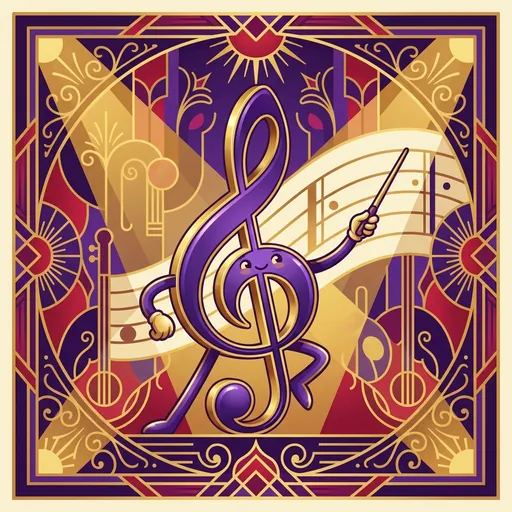

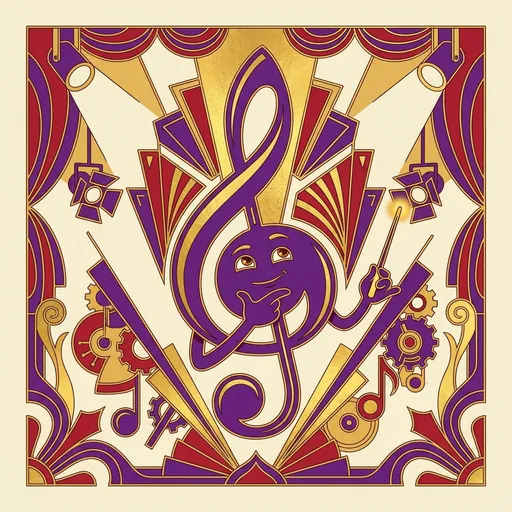
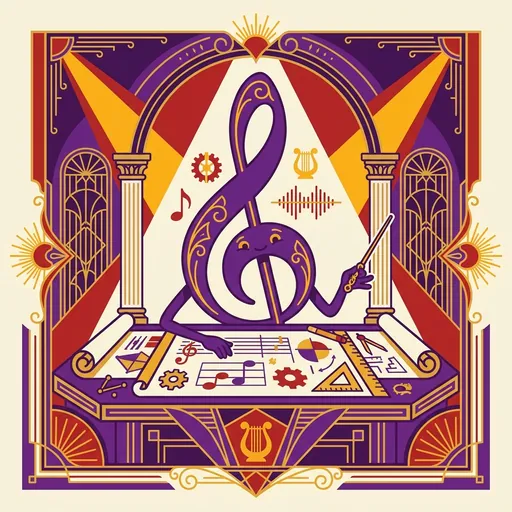
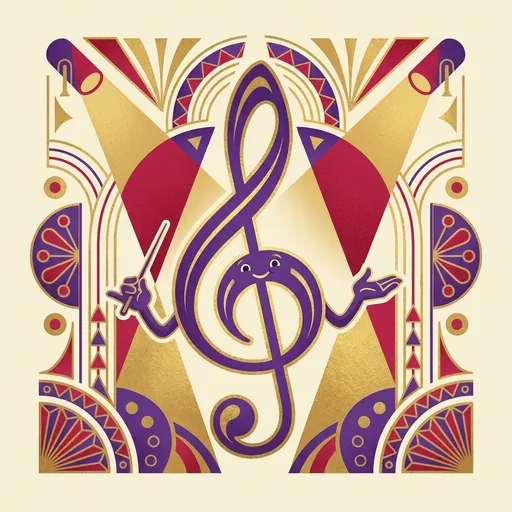
#E91E63 HarmonyForge lets you create music by arranging colorful shapes on a grid! Each color is a different instrument, each shape is a different rhythm, and where you place it changes the pitch. You do not need to know how to read music -- if you can see patterns, you can make music. The app is designed to be comfortable and calming for everyone.
Distributed-narrative cast
Meet the cast
HarmonyForge sits in the **creative-studio cluster** alongside BeatForge / MotifLab / SoundSphere — all 4 shipping distributed-narrative casts in.
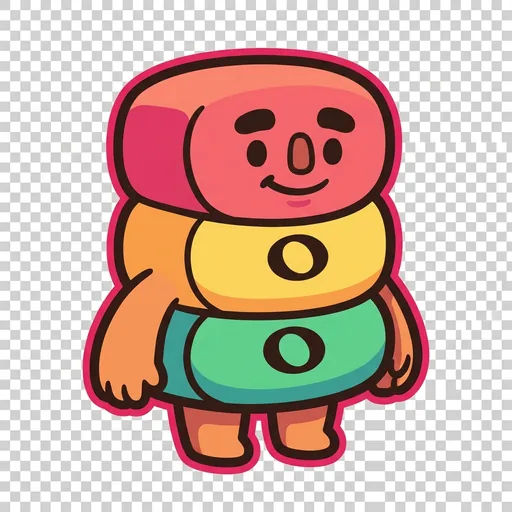
Triad
Chord-stacking — three tones in vertical alignment (root + third + fifth = the foundation of harmony)
Read chapter →
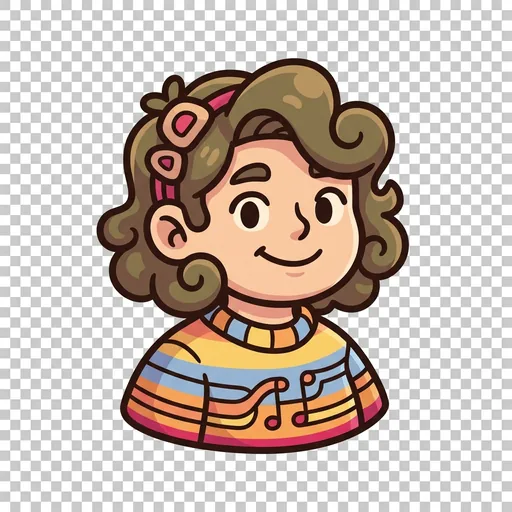
Lean
Voice-leading — smooth stepwise motion between chord tones (the smallest possible movements between consecutive chords)
Read chapter →
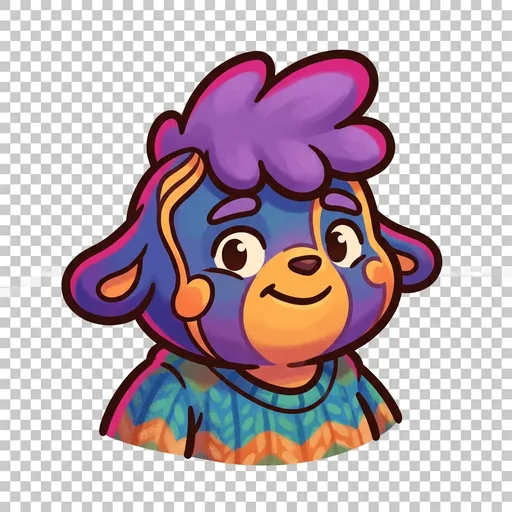
Pull
Tension — dissonant intervals (the leading-tone, the suspended 4th, the diminished chord) that *want* to resolve
Read chapter →
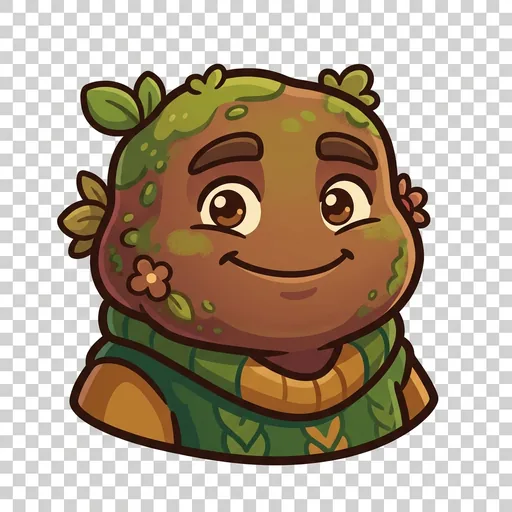
Land
Resolution — the consonant arrival when tension releases (root return; cadence; the V→I gesture)
Read chapter →
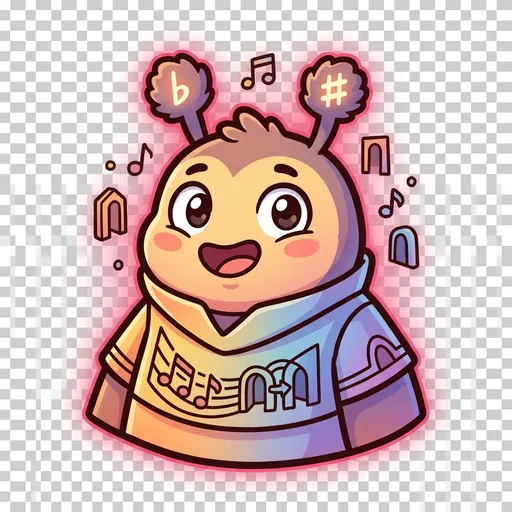
Shift
Modulation — changing keys mid-piece (the moment a song *moves to a different room* harmonically)
Read chapter →
Browse all 5 chapters → · What's distributed-narrative methodology? →
What's inside
Pattern Grid
Place colored shapes on the grid to build your music. Red circles might be drums, blue squares might be piano, green triangles might be strings. Move shapes up
Sensory Rooms
Pick a calming environment to create in. Each Sensory Room has different colors, background sounds, and visual effects. Find the one that feels best for you.
Emotion Journal
After creating music, use the emotion tools to name how you feel. Pick from emotion cards or use the color-based mood tracker. Your journal saves your feelings
Pattern Library
Save your favorite patterns and come back to them anytime. Browse patterns you have made before and remix them into something new.
Mentored by Refrain — on-device AI, no data leaves the device.
How HarmonyForge handles your kid's data
- ✅ All progress, settings, and AI-generated content stays on the device
- ✅ No analytics, no tracking, no third-party SDKs
- ✅ No ads, no in-app purchases — you pay once
- ✅ COPPA compliant under the 2026 FTC amendments
- ✅ Parental controls + session limits + content filters built in
HarmonyForge runs on ForgeKit — the open-source Swift Package Manager framework that powers every Spark & Anvil app. ForgeKit ensures consistent accessibility, COPPA compliance, and design language across the portfolio, so your kid's progress and preferences feel coherent across every app they touch.
Coming to the App Store
HarmonyForge is in active development. Email us to hear when it ships — no marketing, no spam, just a one-shot launch announcement.
Email me at launch