DIR / FEDC
SpectrumCanvas
A digital art studio designed for autistic and other neurodivergent visual thinkers where every art material is simulated without the sensory challenges of the physical version. Watercolor, charcoal, clay, and collage -- all with adjustable texture feedback, sound, and visual intensity. Includes social story illustration tools and an emotion palette that maps feelings to colors.
Meet your mentor
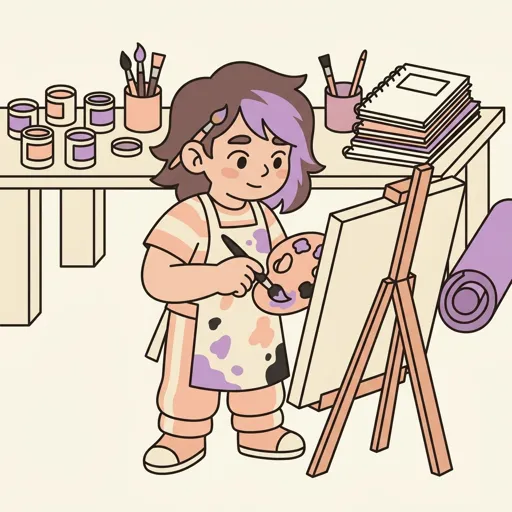
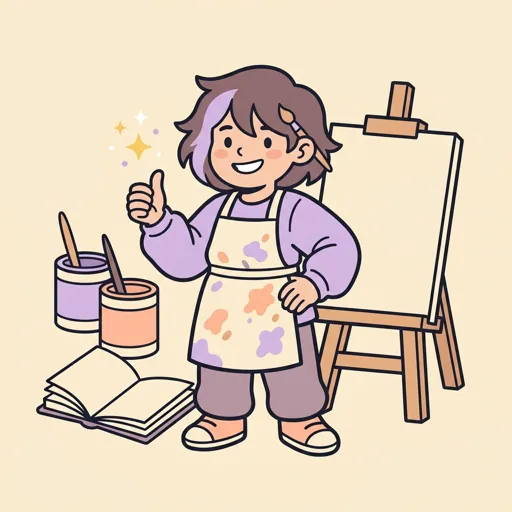
Every Spark & Anvil app has a friendly mentor character that demonstrates, praises, and patiently scaffolds learning. On-device AI personalizes the mentor's responses to your kid's progress — never connecting to a server, never collecting data.
Mentored by Pigment
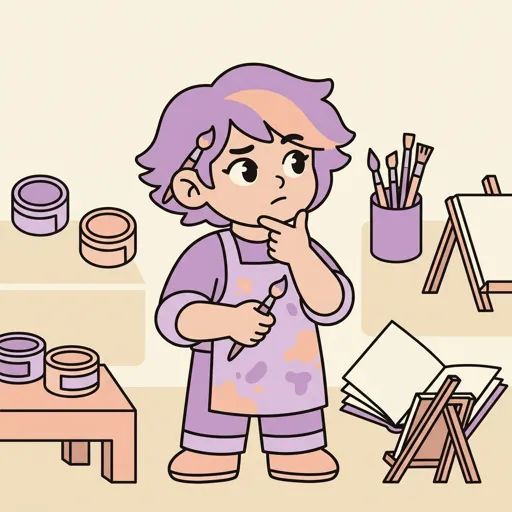
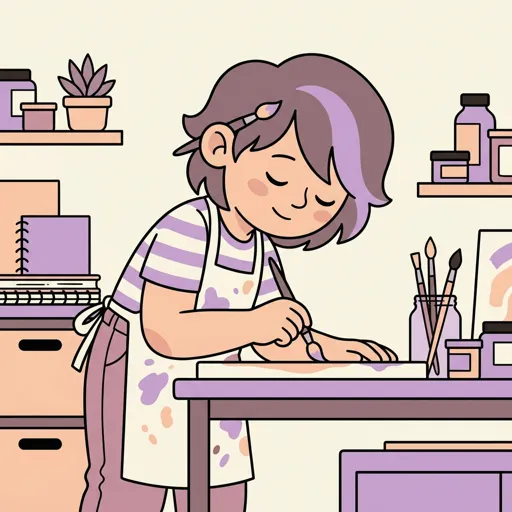
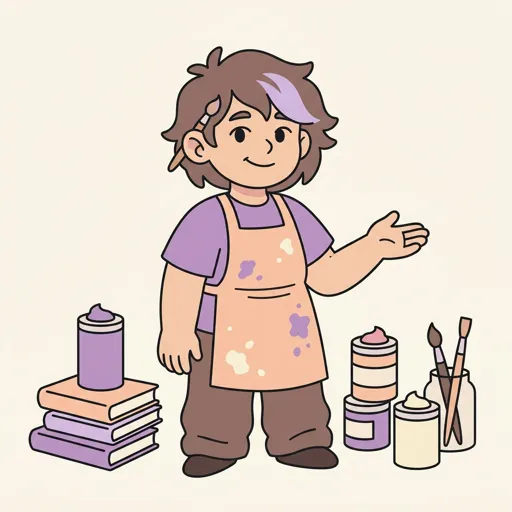
#E91E63 SpectrumCanvas is a digital art studio where you can paint, draw, sculpt, and create collages without any messy materials. It simulates real art tools like watercolors, charcoal, and clay, and you can adjust how everything feels on screen. You can also create social stories with illustrations and explore how colors connect to emotions.
Distributed-narrative cast
Meet the cast
SpectrumCanvas sits in the **creative-studio visual-arts cluster** alongside PixelForge / MangaForge / IllusionForge — all 4 shipping distributed-narrative casts in.
Pool
The wash — the controlled spread of watercolor / wet pigment across a surface (the foundational fluid-art gesture; the moment a single drop becomes a shape)
Read chapter →

Cradle
The composition cradle — the balance of weight and negative space on a canvas (where heavy / light elements rest and where the eye can rest)
Read chapter →
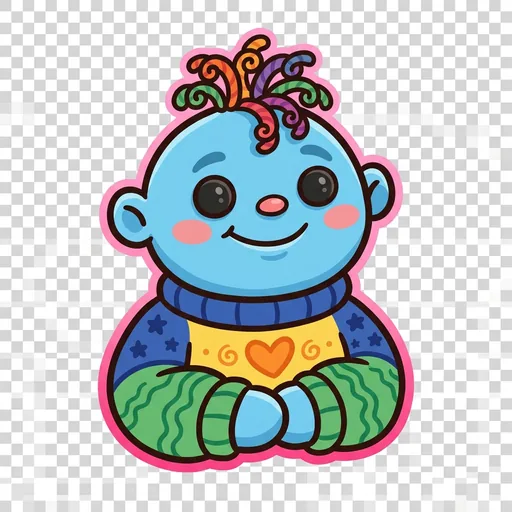
Hum
The color-emotion mapping — the assigning of feelings to color zones (central to SpectrumCanvas's emotion palette feature: which colors feel like which emotions, per learner)
Read chapter →
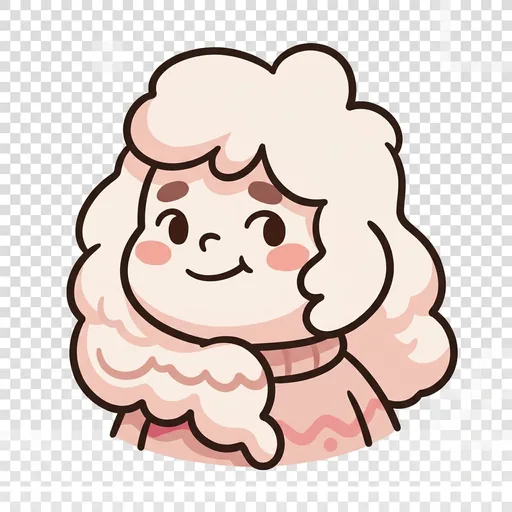
Soften
The sensory-soften gesture — any move that reduces visual / textural stimulation when it gets high (lower contrast, reduce saturation, calm the line weight, soften the edges)
Read chapter →
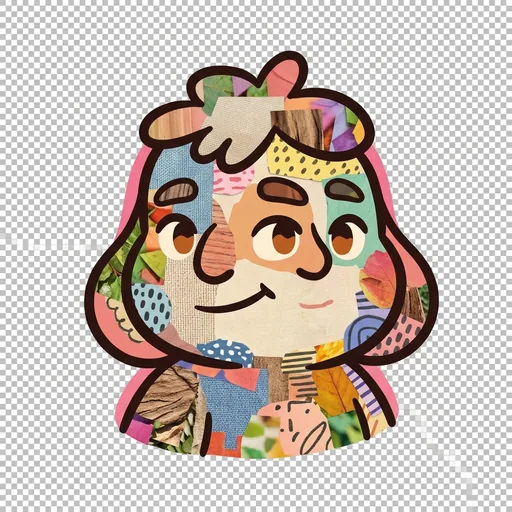
Weave
The collage weave — the layered overlay of textures + photos + drawn elements (central to social-story illustration and to multi-media composition)
Read chapter →
Browse all 5 chapters → · What's distributed-narrative methodology? →
What's inside
Digital Art Studio
Pick your art tool -- watercolor, charcoal, clay, collage, or more. Each tool works like the real thing on screen. Watercolors blend and spread, charcoal smudge
Social Story Builder
Create illustrated stories to help explain situations, feelings, or routines. Pick backgrounds, add characters, write captions, and draw your own pictures to ma
Emotion-Color Mapping
Explore how colors connect to feelings. Choose colors that match different emotions and create art that expresses how you are feeling. This is your own personal
Gallery
Save your finished artwork to your personal gallery. Look back at what you have created and see how your art has grown over time.
Mentored by Pigment — on-device AI, no data leaves the device.
How SpectrumCanvas handles your kid's data
- ✅ All progress, settings, and AI-generated content stays on the device
- ✅ No analytics, no tracking, no third-party SDKs
- ✅ No ads, no in-app purchases — you pay once
- ✅ COPPA compliant under the 2026 FTC amendments
- ✅ Parental controls + session limits + content filters built in
SpectrumCanvas runs on ForgeKit — the open-source Swift Package Manager framework that powers every Spark & Anvil app. ForgeKit ensures consistent accessibility, COPPA compliance, and design language across the portfolio, so your kid's progress and preferences feel coherent across every app they touch.
Coming to the App Store
SpectrumCanvas is in active development. Email us to hear when it ships — no marketing, no spam, just a one-shot launch announcement.
Email me at launch