STEM
MakerForge
Design, prototype, and virtually fabricate objects using 3D printing simulation, Arduino circuit building, and materials science — mastering the full engineering design process through constrained challenges.
Meet your mentor
Every Spark & Anvil app has a friendly mentor character that demonstrates, praises, and patiently scaffolds learning. On-device AI personalizes the mentor's responses to your kid's progress — never connecting to a server, never collecting data.
Mentored by Spool
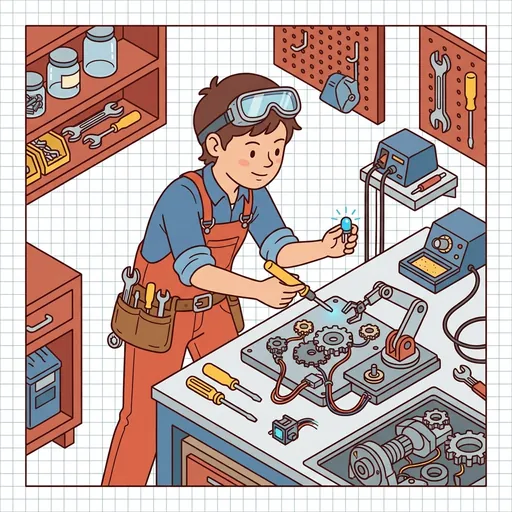
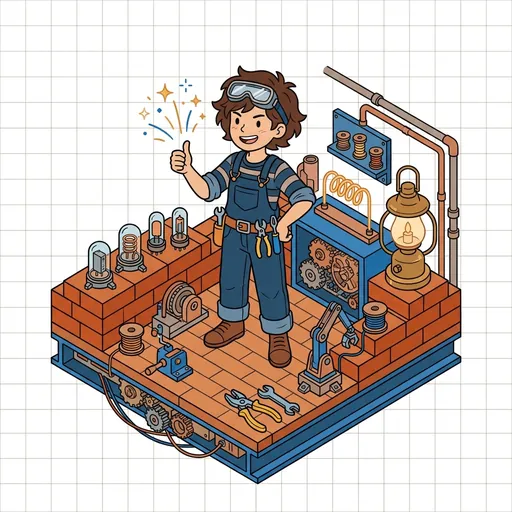
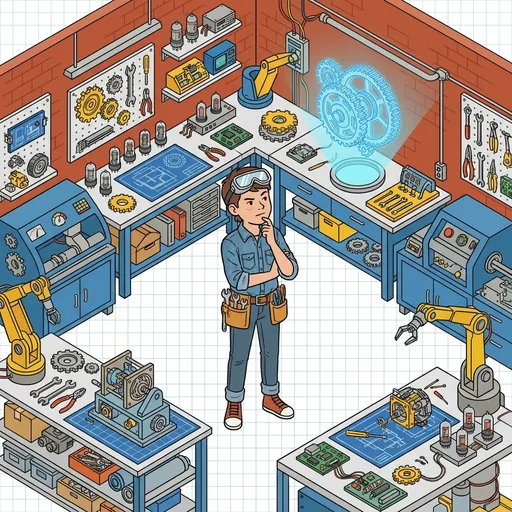
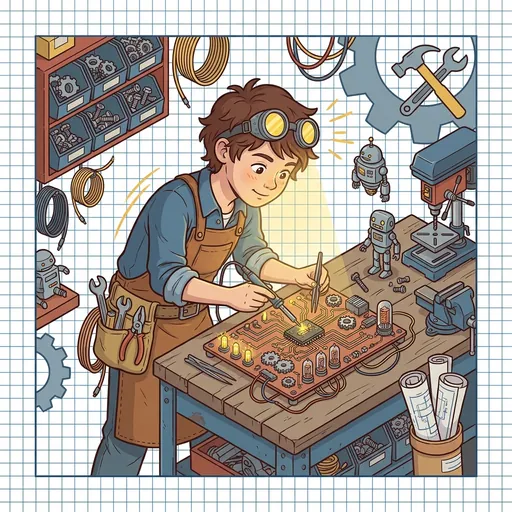
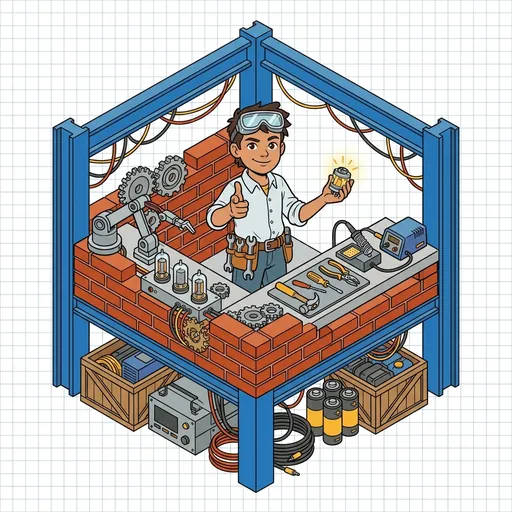
#29B6F6 MakerForge is a digital maker workshop where you design, build, and test real-world objects! Simulate 3D printing, wire up Arduino circuits, and experiment with different materials. You will learn the complete engineering design process -- from idea to finished product -- through hands-on challenges.
Distributed-narrative cast
Meet the cast
MakerForge's distributed-narrative cast embodies the 5 stages of the engineering design process — ideate, spec, fabricate, iterate, document — as 5 animal-maker characters Spool introduces across the 16 question kits. Tool-safety + failure-as-feedback framing is foregrounded; Mill carries the maker-cluster tool-safety gate that sibling apps cross-app inherit.

Sketch
Ideation + concept development — the wild-thinking squirrel-tween who treats divergent brainstorming as judgment-free play ('many before few; wild before tame; crooked sketches are also sketches')
Read chapter →

Spec
Material + constraint commitment — the measured owl-tween who treats spec-commitment as the moment imagination meets physics ('constraints are the shape of the possible')
Read chapter →

Mill
Fabrication + build — the careful beaver-tween who carries the cluster's tool-safety anchor ('tool first checked, adult first told — then we build')
Read chapter →

Try
Prototyping + iteration — the patient salamander-tween who treats first failure as expected design-process behavior ('first try fails, second try tells, third try shapes the design')
Read chapter →
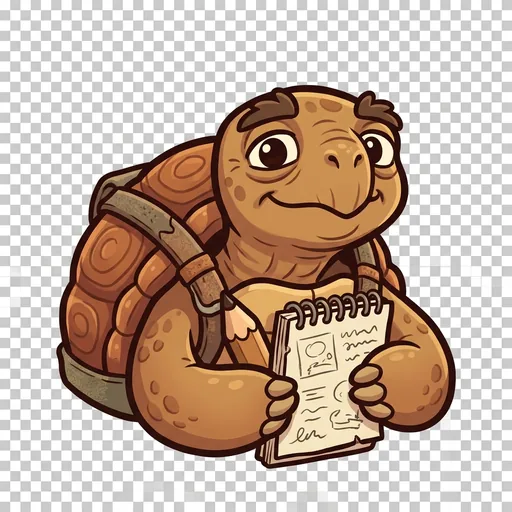
Log
Documentation + reflection — the wise turtle-elder who treats the notebook as the actual deliverable ('make it, mark it, share it — the notebook is the project')
Read chapter →
Browse all 5 chapters → · What's distributed-narrative methodology? →
What's inside
3D Print Simulator
Design objects layer by layer and watch them come to life in a virtual 3D printer. Choose your material, set the print settings, and see how your design turns o
Circuit Builder
Drag and drop wires, LEDs, sensors, and other electronic components onto a virtual breadboard. Connect them to make circuits that light up, buzz, or respond to
Materials Testing Lab
Experiment with different materials to learn their properties. Which is strongest? Which conducts electricity? Which is best for your project? Run tests and rec
Design Challenges
Tackle engineering challenges that have real constraints -- a budget limit, a size requirement, or a specific material. Design, build, test, and improve. That i
Mentored by Spool — on-device AI, no data leaves the device.
How MakerForge handles your kid's data
- ✅ All progress, settings, and AI-generated content stays on the device
- ✅ No analytics, no tracking, no third-party SDKs
- ✅ No ads, no in-app purchases — you pay once
- ✅ COPPA compliant under the 2026 FTC amendments
- ✅ Parental controls + session limits + content filters built in
MakerForge runs on ForgeKit — the open-source Swift Package Manager framework that powers every Spark & Anvil app. ForgeKit ensures consistent accessibility, COPPA compliance, and design language across the portfolio, so your kid's progress and preferences feel coherent across every app they touch.
Coming to the App Store
MakerForge is in active development. Email us to hear when it ships — no marketing, no spam, just a one-shot launch announcement.
Email me at launch