STEAM
BeatForge
Music creation sandbox inside an RPG world where kids ages 10-14 build compositions using visual "sound blocks" that snap together on a sequencer canvas. The game world dynamically transforms based on the music created, and blocks gradually reveal standard notation as mastery increases via a peel-back mechanic.
Meet your mentor
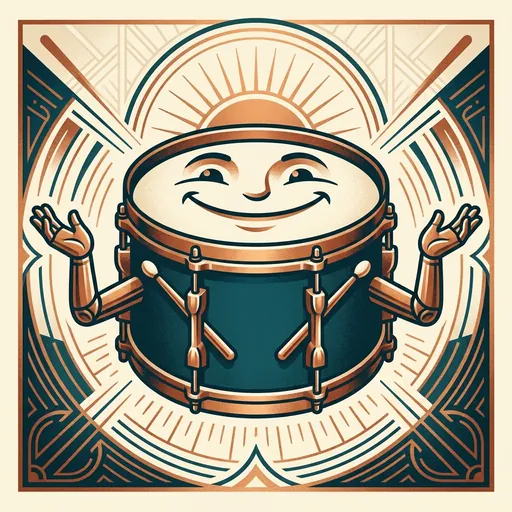
Every Spark & Anvil app has a friendly mentor character that demonstrates, praises, and patiently scaffolds learning. On-device AI personalizes the mentor's responses to your kid's progress — never connecting to a server, never collecting data.
Mentored by Tempo
#E91E63 BeatForge is a music composition studio. You build songs by snapping colorful sound blocks together — notes, rests, chords, dynamics — and the app plays them back through real instruments. As your music skills grow, the colorful blocks slowly reveal real sheet-music notation underneath, so you learn to read music without it ever feeling like a lesson.
Distributed-narrative cast
Meet the cast
BeatForge sits in the **creative-studio cluster** alongside HarmonyForge / MotifLab / SoundSphere — all 4 shipping distributed-narrative casts in.
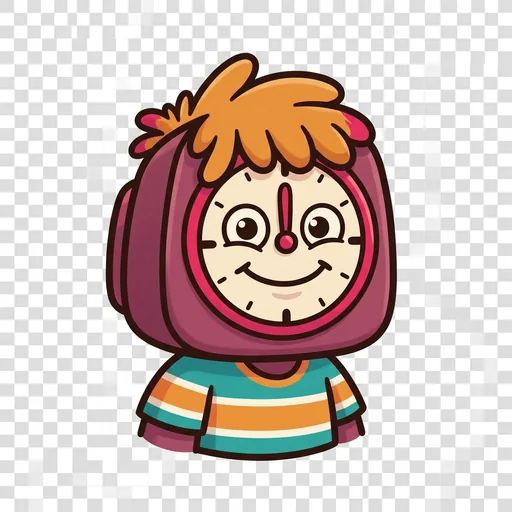
Throb
The steady pulse — the underlying clock every other rhythm hangs from
Read chapter →
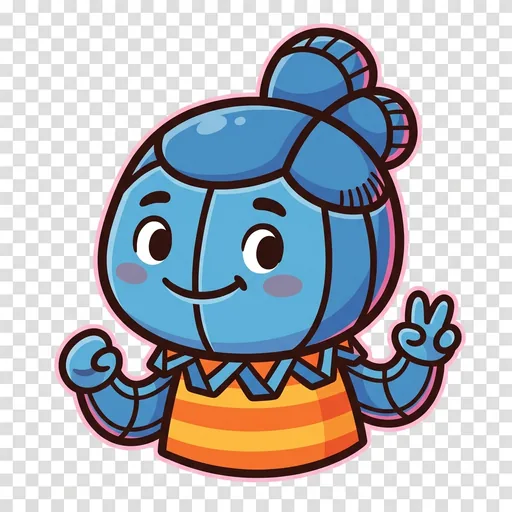
Snap
Subdivision — splitting a beat into equal smaller parts (eighths, sixteenths, triplets)
Read chapter →
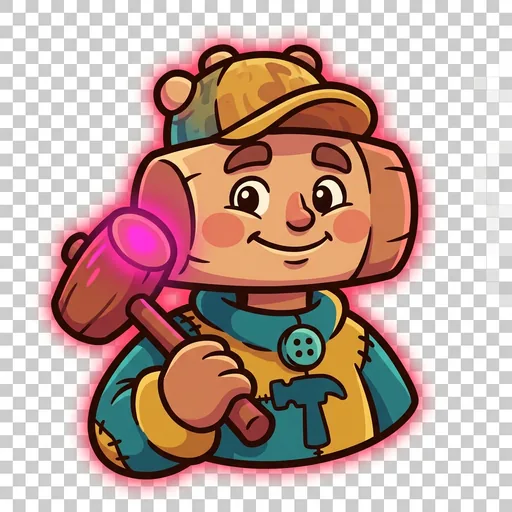
Hammer
Accent — emphasis on specific beats (the downbeat, the backbeat, polyrhythmic emphasis)
Read chapter →
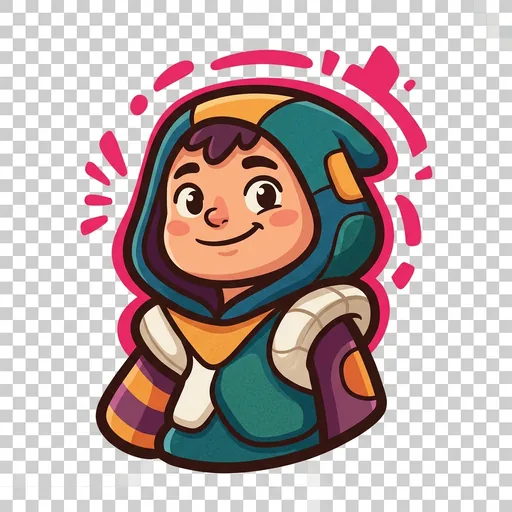
Tilt
Syncopation — placing weight off the expected beat to create pull and forward motion
Read chapter →
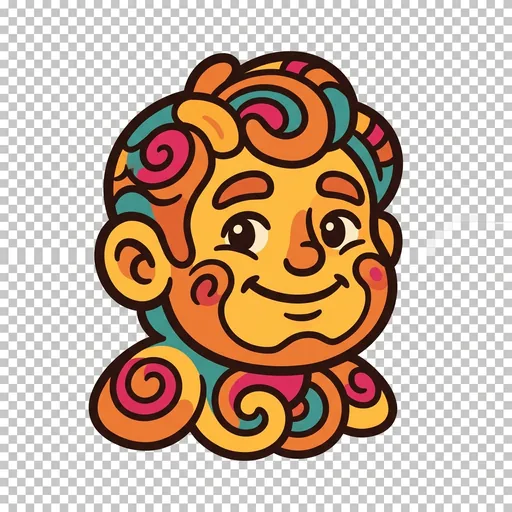
Spin
Groove — the looping pattern that emerges when pulse + subdivision + accent + syncopation cohere; the thing that makes a beat feel like a particular genre
Read chapter →
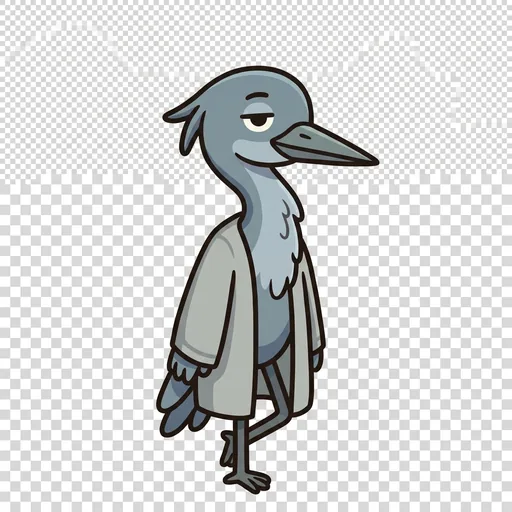
Lull
The rest — the beat you leave empty on purpose; silence counted as part of the music, so the next sound lands bigger
Read chapter →
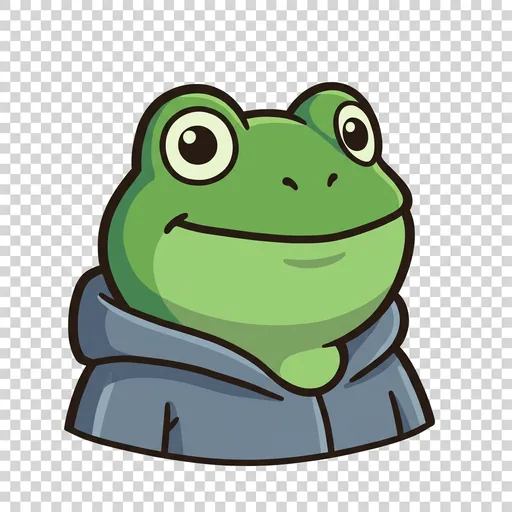
Crest
Dynamics — how loud or soft the music is, swelling louder and easing softer to give a song its waves
Read chapter →
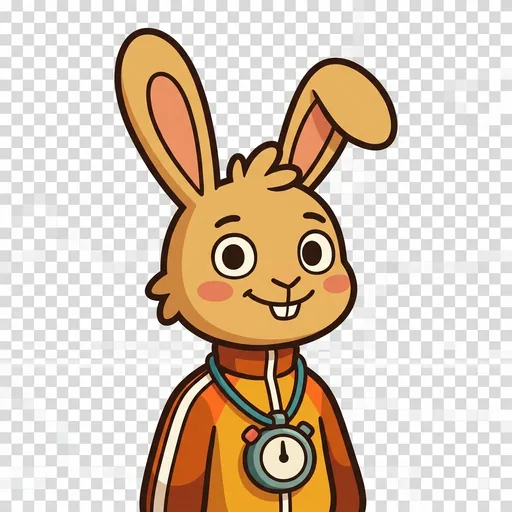
Rush
Tempo — how fast the pulse runs, and speeding up or slowing down to steer the whole mood of a song
Read chapter →
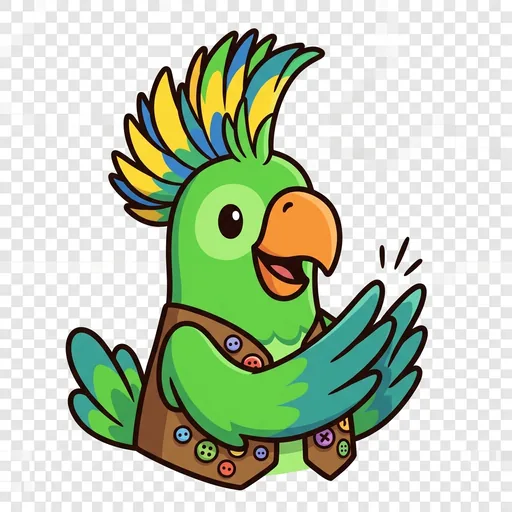
Volley
Call-and-response — one player calls a phrase and the others answer it back; music as a conversation traded around a circle
Read chapter →
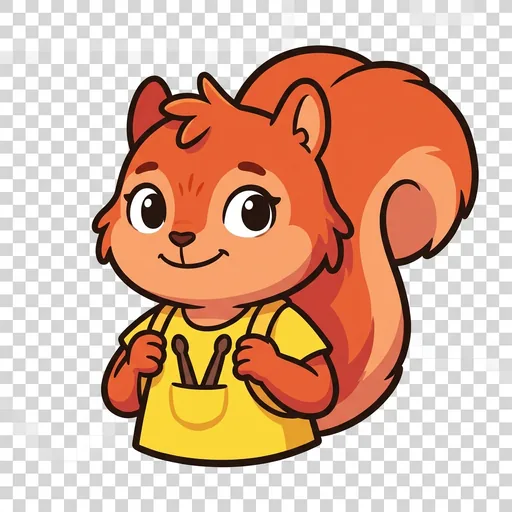
Flurry
The fill — the quick burst of drum notes that carries a song across the turn from one section into the next
Read chapter →
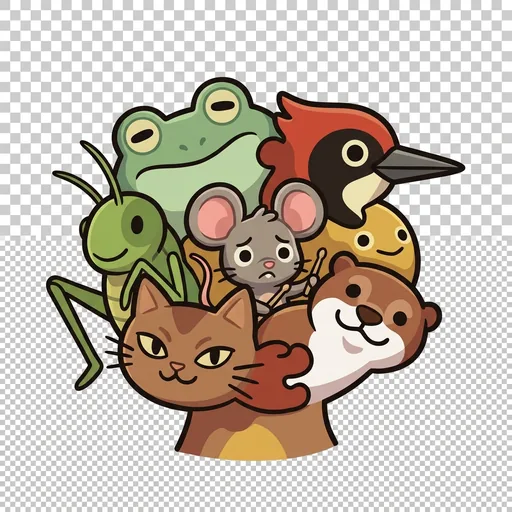
The Jam
The whole rhythm section playing together — how pulse, subdivision, accent, and syncopation lock into one groove that lifts everybody up at once
Read chapter →
Browse all 11 chapters → · What's distributed-narrative methodology? →
What's inside
Your First 60 Seconds
1. Open the app. A short welcome flow introduces your mentor. You can skip it with the "Skip Intro" button if you want to jump right in.
The Home Screen
The home screen has four zones:
Sound Block Editor
The block editor has three parts:
Block Types
| Block | What it does |
Mentored by Tempo — on-device AI, no data leaves the device.
How BeatForge handles your kid's data
- ✅ All progress, settings, and AI-generated content stays on the device
- ✅ No analytics, no tracking, no third-party SDKs
- ✅ No ads, no in-app purchases — you pay once
- ✅ COPPA compliant under the 2026 FTC amendments
- ✅ Parental controls + session limits + content filters built in
BeatForge runs on ForgeKit — the open-source Swift Package Manager framework that powers every Spark & Anvil app. ForgeKit ensures consistent accessibility, COPPA compliance, and design language across the portfolio, so your kid's progress and preferences feel coherent across every app they touch.
Coming to the App Store
BeatForge is in active development. Email us to hear when it ships — no marketing, no spam, just a one-shot launch announcement.
Email me at launch