STEAM
PixelForge
Gamified visual arts studio where players master design principles through creative challenges
Meet your mentor
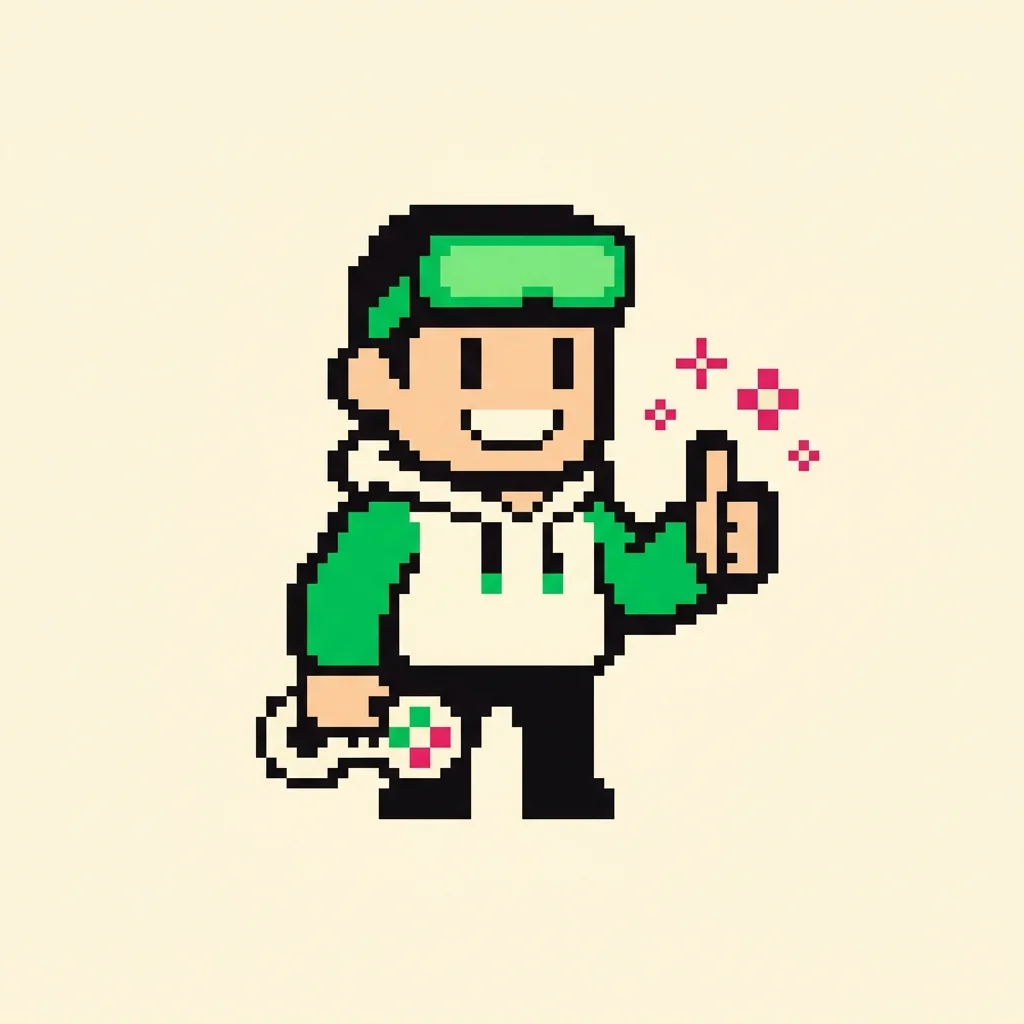
Every Spark & Anvil app has a friendly mentor character that demonstrates, praises, and patiently scaffolds learning. On-device AI personalizes the mentor's responses to your kid's progress — never connecting to a server, never collecting data.
Mentored by Palette


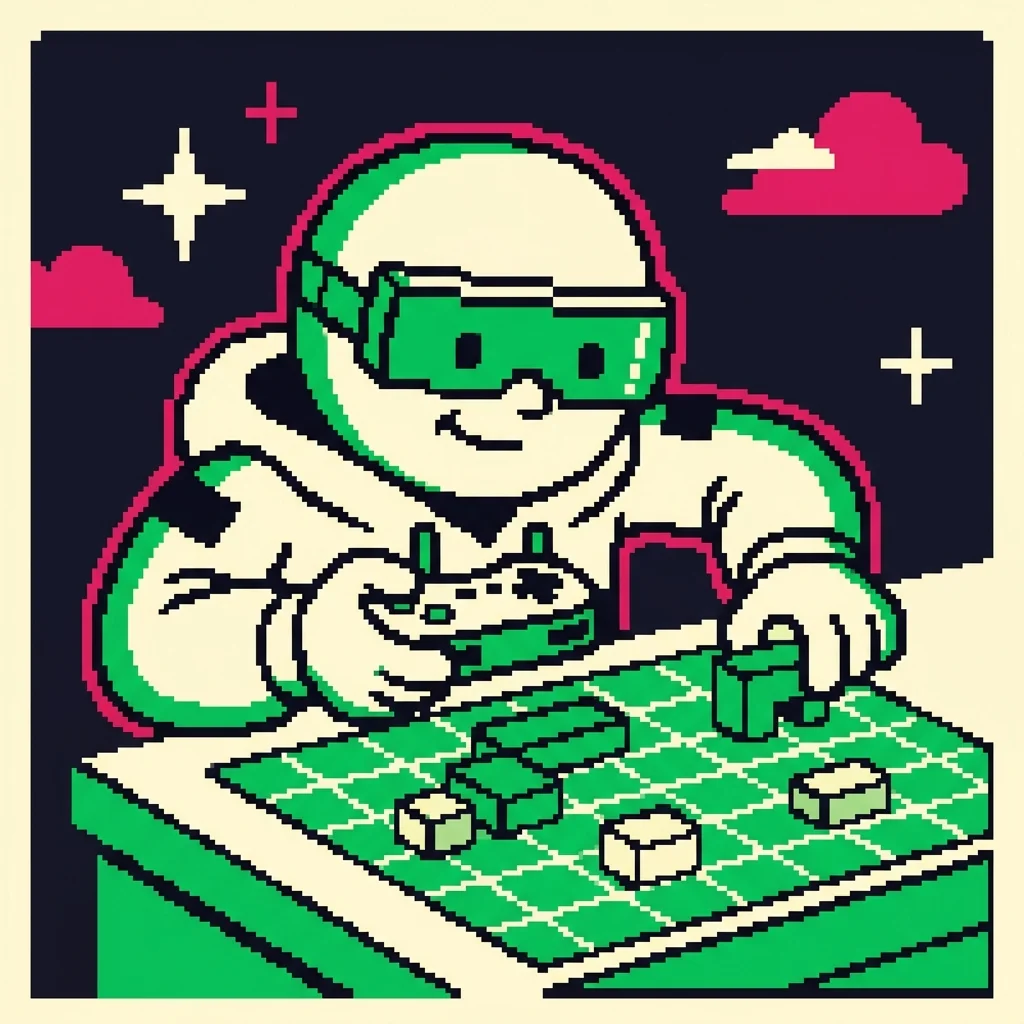
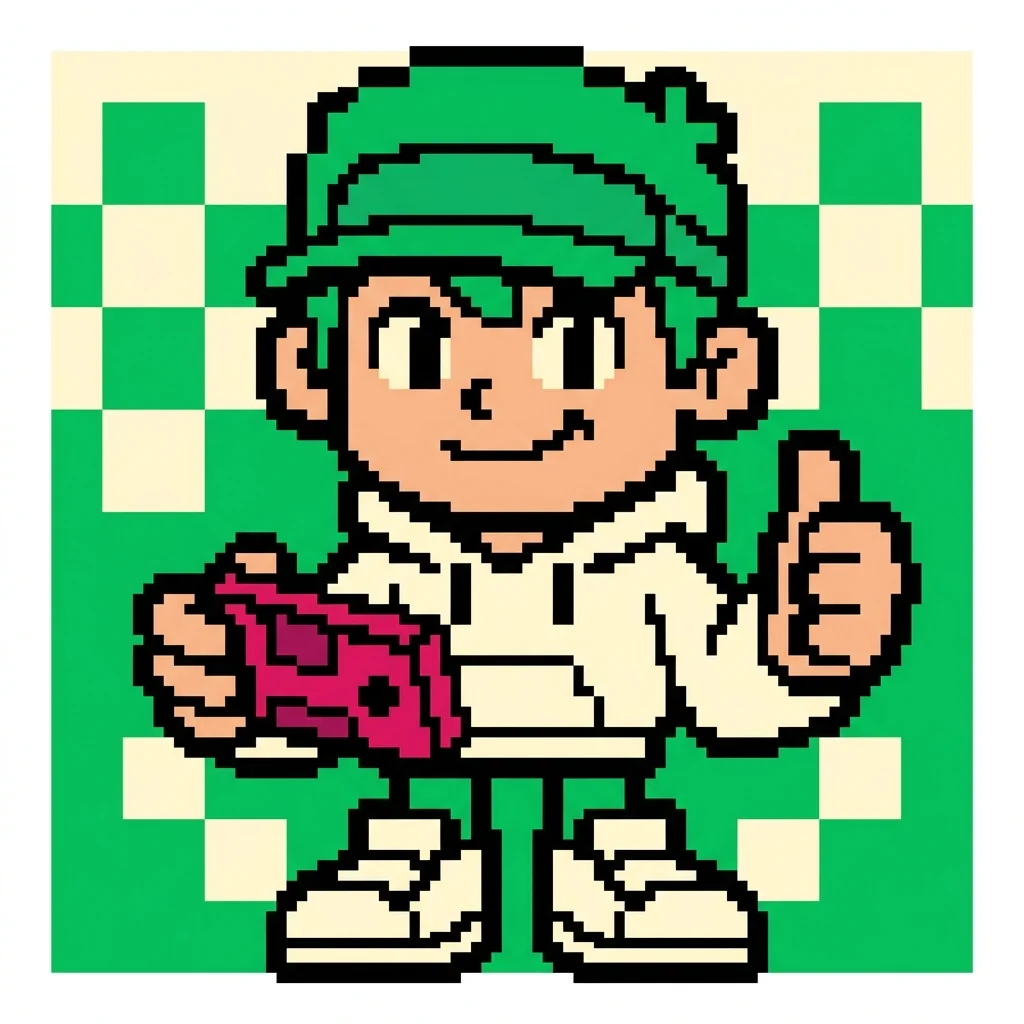
#E91E63 PixelForge is a visual arts studio where you learn real design skills through creative challenges! Fantasy creature NPC clients hire you to create artwork -- a fire dragon needs a warm-colored banner, a frost fairy wants a symmetrical ice crystal. You will master color theory, composition, and art history while building a portfolio of your best work.
Distributed-narrative cast
Meet the cast
PixelForge sits in the **creative-studio visual-arts cluster** alongside SpectrumCanvas / MangaForge / IllusionForge — all 4 shipping distributed-narrative casts in, mirroring's music-cluster symmetry.

Speck
The single pixel — the atomic unit of pixel art; every image is a grid of these
Read chapter →

Shade
The palette ramp — a small set of colors arranged from darkest to lightest (the foundation of pixel-art shading and form)
Read chapter →
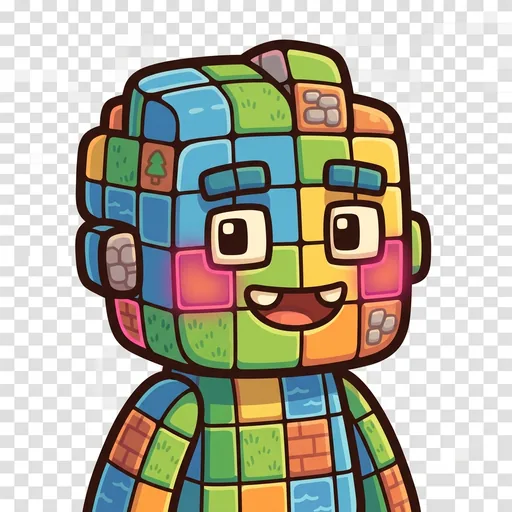
Grid
The tilemap grid — pixels snapped to repeating units that form tiles, tilesets, and game maps
Read chapter →
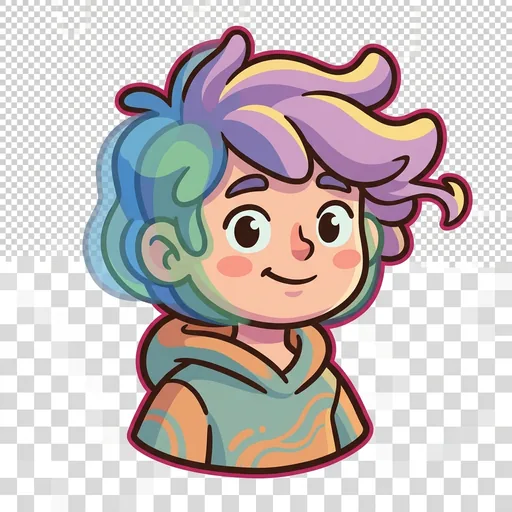
Tween
The in-between frame — the animation frame that sits between two keyframes, giving motion its smoothness
Read chapter →
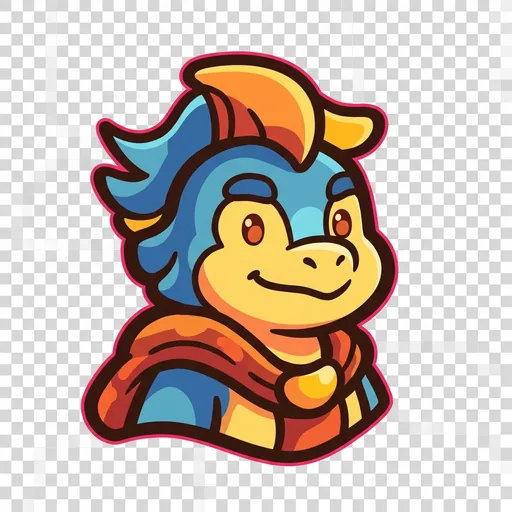
Banner
The impact pose — the heroic / dramatic silhouette that reads instantly at thumbnail size (the principle that good character art is recognizable from its outline alone)
Read chapter →

Stipple
Dithering — scattering two colors in a checker pattern so your eye blends them into a third; how pixel artists fake a smooth gradient with a tiny palette
Read chapter →
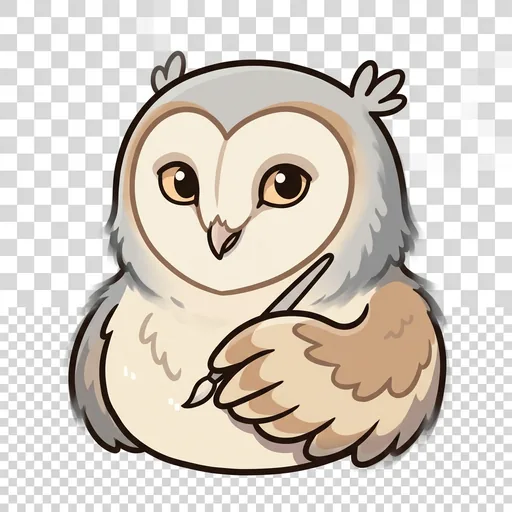
Feather
Anti-aliasing — tucking a few in-between pixels along a jagged edge so a curve reads smooth instead of like a staircase
Read chapter →
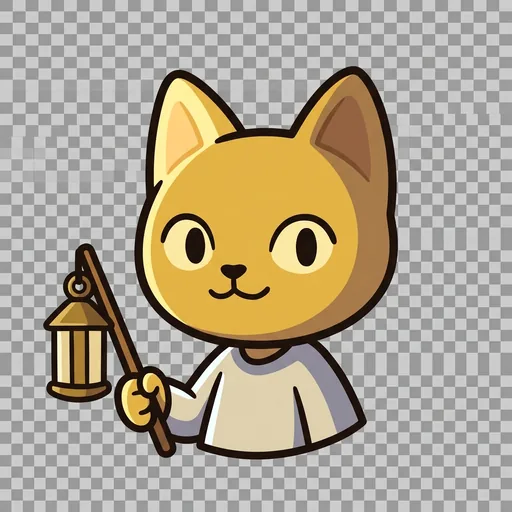
Sheen
Light source and form shading — choosing where the light comes from, then placing highlights and shadows so a flat shape turns round
Read chapter →
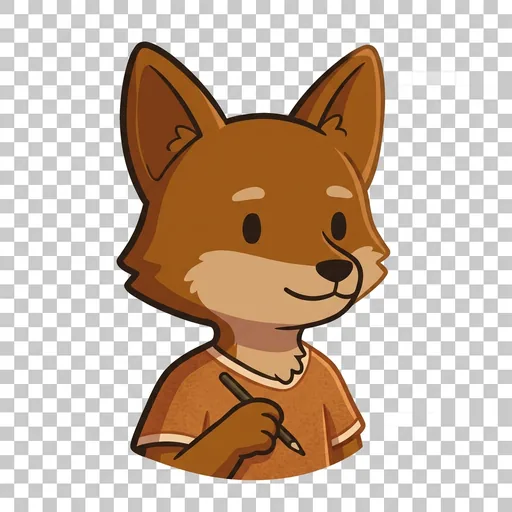
Rim
Selective outlining — drawing the edge only where a sprite would get lost, so it pops from the background without looking boxed-in
Read chapter →
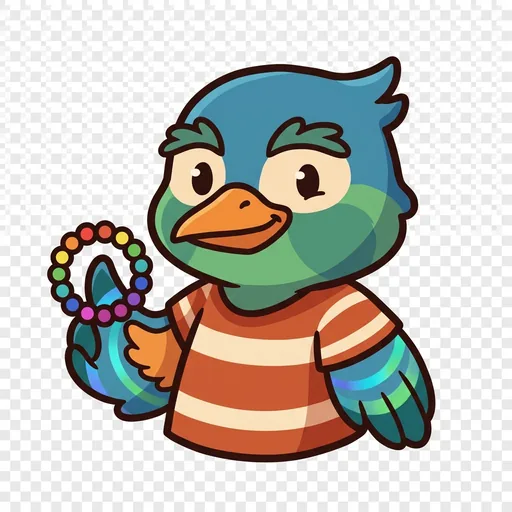
Cycle
Color-cycling animation — making water and fire flow by shifting which colors sit in the palette slots, without moving a single pixel
Read chapter →

The Sprite
A finished character sprite coming to life — how placed pixels, a color ramp, chosen light, a clean outline, and smoothed edges layer together into one whole little hero
Read chapter →
Browse all 11 chapters → · What's distributed-narrative methodology? →
What's inside
Client Briefs
NPC clients come to your studio with art requests. Each brief teaches a specific design skill. "Make me a banner using only warm colors" teaches warm and cool c
Constrained Canvas
Create artwork on a special canvas that has helpful guides and constraints. These limits actually make you more creative! Grid overlays, color wheel tools, and
Art Critique
Submit your work to Maestro Pixel, your AI art mentor. The Maestro gives you feedback based on a rubric -- not just "good job" but specific advice like "your co
Portfolio Gallery
Save your best work in your portfolio. Add reflections about what you learned and what you would do differently. Watch your skills improve over time!
Mentored by Palette — on-device AI, no data leaves the device.
How PixelForge handles your kid's data
- ✅ All progress, settings, and AI-generated content stays on the device
- ✅ No analytics, no tracking, no third-party SDKs
- ✅ No ads, no in-app purchases — you pay once
- ✅ COPPA compliant under the 2026 FTC amendments
- ✅ Parental controls + session limits + content filters built in
PixelForge runs on ForgeKit — the open-source Swift Package Manager framework that powers every Spark & Anvil app. ForgeKit ensures consistent accessibility, COPPA compliance, and design language across the portfolio, so your kid's progress and preferences feel coherent across every app they touch.
Coming to the App Store
PixelForge is in active development. Email us to hear when it ships — no marketing, no spam, just a one-shot launch announcement.
Email me at launch