STEAM
MangaForge
Create your own manga and anime-style comics -- learn art fundamentals, visual storytelling, and Japanese cultural literacy. The #1 creative interest for ages 9-14, manga/anime drawing dominates Outschool with 2,124+ reviews at 4.9 stars for a single class.
Meet your mentor
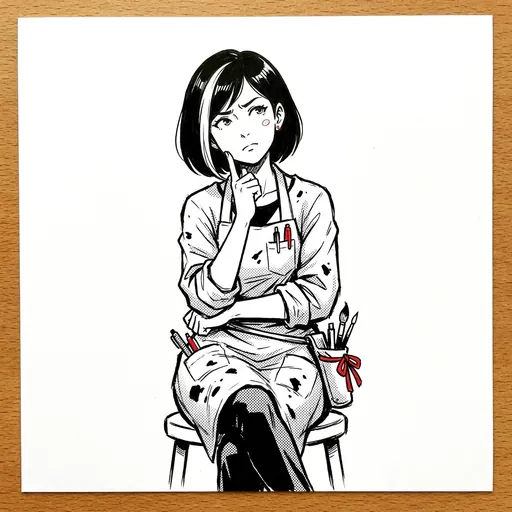
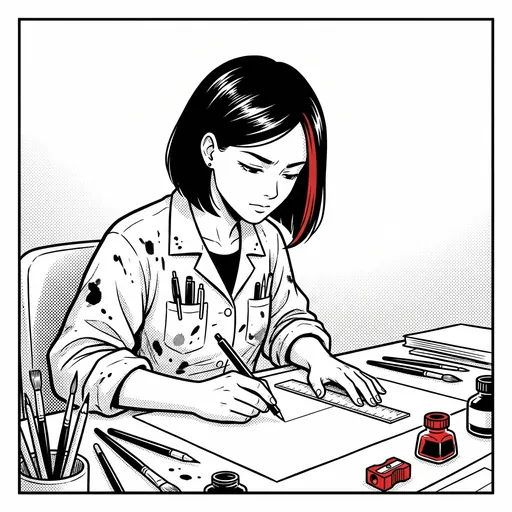
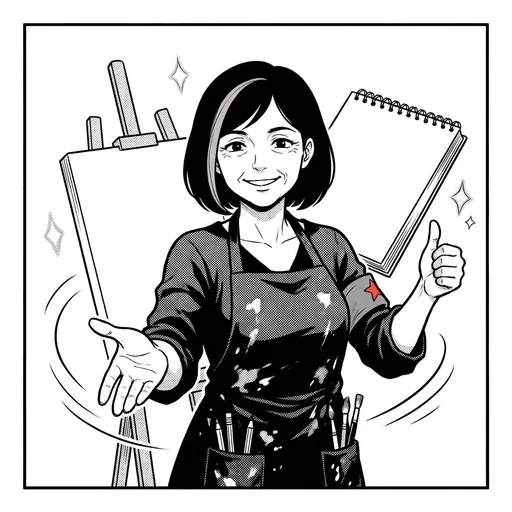
Every Spark & Anvil app has a friendly mentor character that demonstrates, praises, and patiently scaffolds learning. On-device AI personalizes the mentor's responses to your kid's progress — never connecting to a server, never collecting data.
Mentored by Sensei Sora
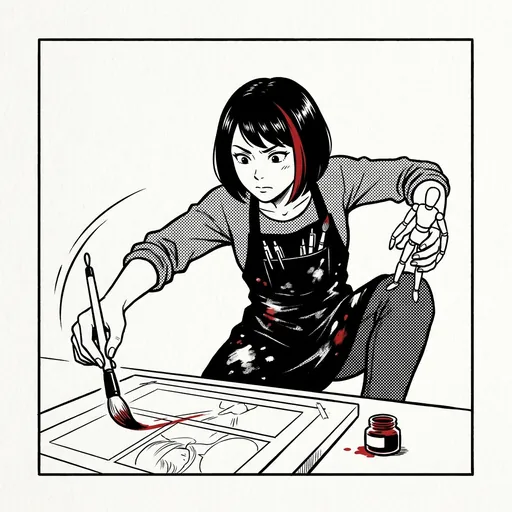
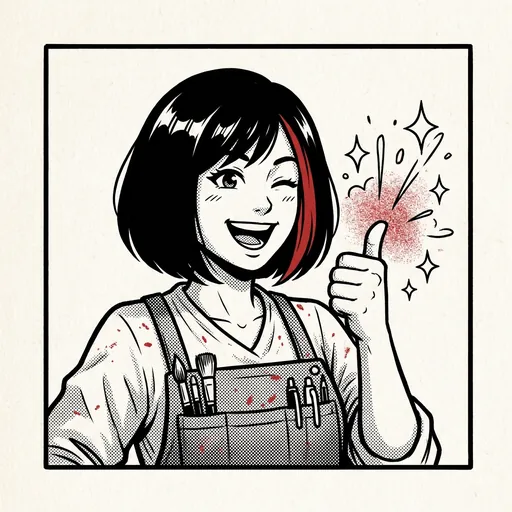
#E91E63 Distributed-narrative cast
Meet the cast
MangaForge sits in the **creative-studio visual-arts cluster** alongside PixelForge / SpectrumCanvas / IllusionForge — all 4 shipping distributed-narrative casts in.

Panel
The panel — the rectangular frame that contains a single moment of story (the atomic unit of sequential art)
Read chapter →

Bubble
The speech bubble — the shape-encoded container for dialogue + thought + sound (its outline encodes voice register: thought-cloud / shout-burst / whisper-dotted-line / radio-jag...
Read chapter →

Sweep
Speed lines / motion lines — the directional line-bursts that convey speed, impact, and energy direction
Read chapter →
Tone
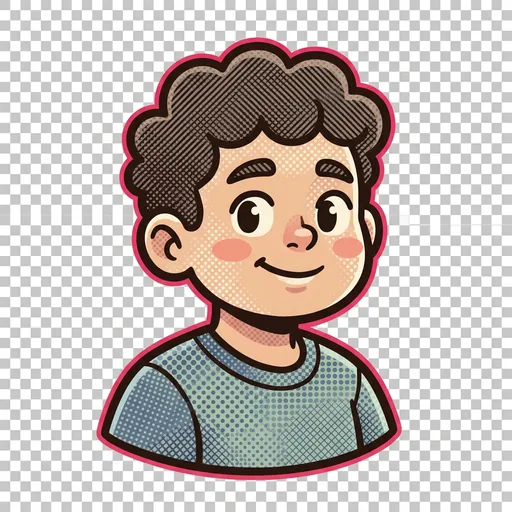
Screentones — the halftone dot/line patterns laid over an area to convey shadow, mood, and emotional register (the manga-specific shading vocabulary)
Read chapter →
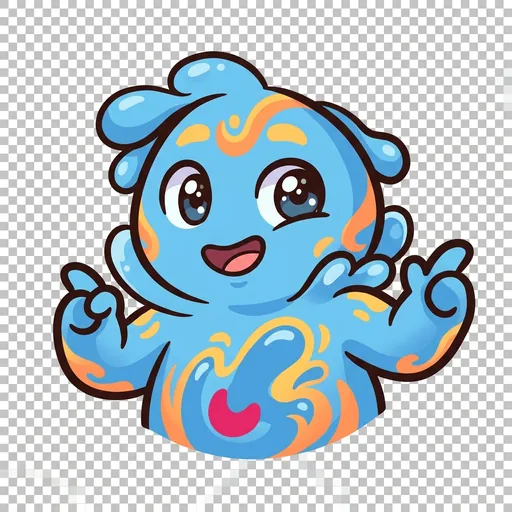
Splash
The splash page — the full-page or near-full-page impact image that marks a story climax (the moment the page breaks its grid to give one image all the space)
Read chapter →
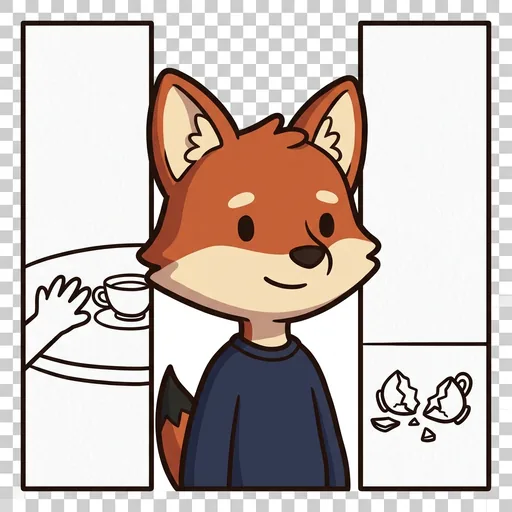
Lapse
The gutter — the empty space between two panels where your own mind fills in what happened; closure, the invisible half of comics
Read chapter →
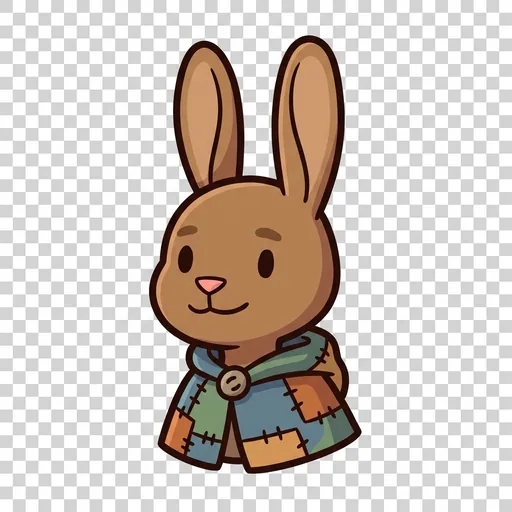
Segue
The transition — how one panel flows into the next, guiding your eye and your sense of time from moment to moment
Read chapter →
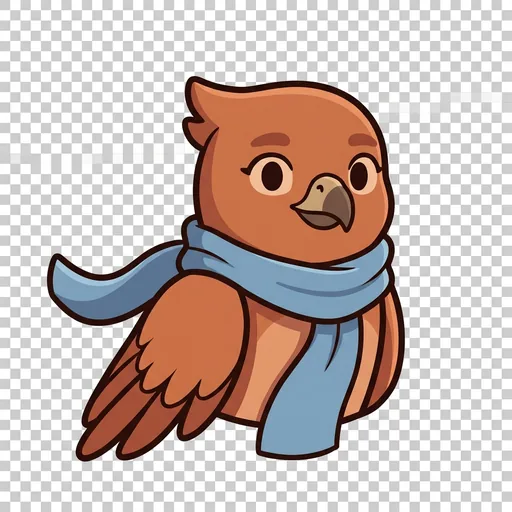
Vista
The establishing shot — the wide opening panel that shows you where you are before the story zooms in close
Read chapter →
Jolt
The reaction beat — the panel that catches a character reacting, so a surprise or a feeling truly lands
Read chapter →
Boom
The sound-effect lettering — onomatopoeia drawn right into the art, so you can see a sound as much as hear it
Read chapter →
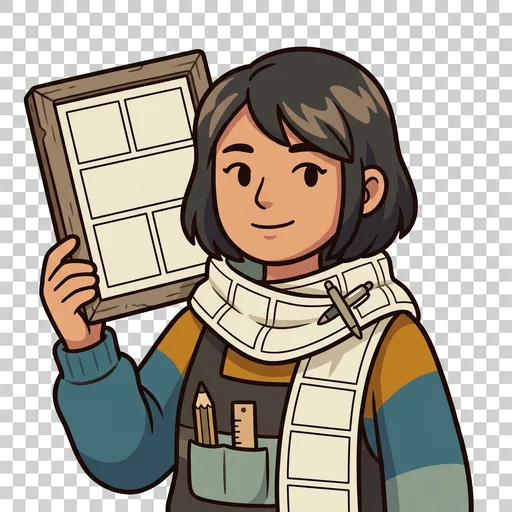
The Layout
The whole page coming together — how the establishing shot, panels, transitions, gutters, and sound-effect lettering arrange to guide one reader eye through one moment of story
Read chapter →
Browse all 11 chapters → · What's distributed-narrative methodology? →
What's inside
Learning goal
Create your own manga and anime-style comics -- learn art fundamentals, visual storytelling, and Japanese cultural literacy. The #1 creative interest for ages 9-14, manga/anime drawing dominates Outschool with 2,124+ reviews at 4.9 stars for a single class.
Question kits
16 curriculum-aligned kits × 25 questions = 400 questions per app, mapped to recognized standards.
On-device AI mentor
FoundationModels-powered hints, feedback, and adaptive difficulty — all running locally.
Mentored by Sensei Sora — on-device AI, no data leaves the device.
How MangaForge handles your kid's data
- ✅ All progress, settings, and AI-generated content stays on the device
- ✅ No analytics, no tracking, no third-party SDKs
- ✅ No ads, no in-app purchases — you pay once
- ✅ COPPA compliant under the 2026 FTC amendments
- ✅ Parental controls + session limits + content filters built in
MangaForge runs on ForgeKit — the open-source Swift Package Manager framework that powers every Spark & Anvil app. ForgeKit ensures consistent accessibility, COPPA compliance, and design language across the portfolio, so your kid's progress and preferences feel coherent across every app they touch.
Coming to the App Store
MangaForge is in active development. Email us to hear when it ships — no marketing, no spam, just a one-shot launch announcement.
Email me at launch